Bolt.new is one of the most capable tools in this category. StackBlitz put a full Node.js environment in the browser through WebContainers, so you get a terminal, a package manager and any npm dependency, with an AI driving. For a developer building a technical MVP, that is a genuinely strong position.
People look for alternatives for two concrete reasons. The first is cost predictability: token consumption grows with the size of the project, so a tool that feels cheap on the first prompt becomes expensive once the app has a real directory tree. The second is the level of technical skill required, since Bolt hands you a real dev environment and expects you to behave like a developer in it. This guide compares five builders in the same category on those axes. For the wider view, see our comparison of the best AI app builders.
To remember
Bolt says it plainly: most token usage comes from syncing the project filesystem to the model. A tool that feels cheap on prompt one can get expensive once the app has a real directory tree. Compare cost models, not headline prices.
What to look for in a Bolt.new alternative
- Cost model. Tokens, credits or a flat plan, and what the invoice looks like after three months of iteration on a growing codebase.
- Required skill level. Whether you review a running app by clicking it or a project by reading its files.
- Scope. Web app only, or also native mobile and SEO websites. This is the one thing you cannot change later without rebuilding.
- Generated stack. The language and framework you inherit, and whether your next developer already knows it.
- Backend ownership. Your own Supabase or Postgres account, or a managed database inside the vendor's infrastructure.
Quick comparison
Use this as a filter, not a verdict. The best cell depends on your profile, not on the latest ranking.
| Tool | Scope | Key limit | Cost model |
|---|---|---|---|
| Lovable | Web app | No native mobile path | Credits |
| Base44 | Web app, internal tools | Managed backend, data in the platform | Credits |
| Emergent | Web app, mobile app | Python and MongoDB stack, less common on handover | Credits |
| Replit Agent | Web app, APIs, scripts | Usage credits on top of the plan | Plan plus usage |
| Cadrant | Native mobile, web app, SEO website | Opinionated React and Supabase stack | Flat plan |
Lovable: prompt to app for non-developers
Lovable is the natural move if Bolt feels too technical. Where Bolt gives you a terminal, Lovable gives you a guided flow: describe the app, get a clean React interface with Supabase wired in, and review the result by clicking through it rather than by reading files.
- Choose it if: nobody on the project wants to open a terminal.
- Limits: web applications only, with no native mobile path, and credits that are still hard to forecast on long projects. See our Lovable alternatives guide.
Base44: managed backend, nothing to set up
Base44, founded in 2024 and acquired by Wix in 2025, removes the infrastructure question entirely. Database, authentication, storage and integrations are built into the platform, and it generates React with JSX on the front. It is the shortest path in this list from prompt to a working internal tool.
- Choose it if: you want zero configuration and no external account to create.
- Limits: your data lives in the platform's infrastructure rather than in an account you own, which is the axis to check before a long project.
Emergent: Python backend and mobile in scope
Emergent orchestrates specialized agents for planning, frontend, backend, testing and deployment, and generates a Python backend with FastAPI and MongoDB rather than the JavaScript consensus. It also covers mobile applications, which Bolt only reaches through Expo projects.
- Choose it if: your team already works in Python, or you want testing and deployment handled by the same pipeline.
- Limits: the stack is less common among front-end freelancers than React and Postgres, which matters on handover.
Replit Agent: integrated dev workspace
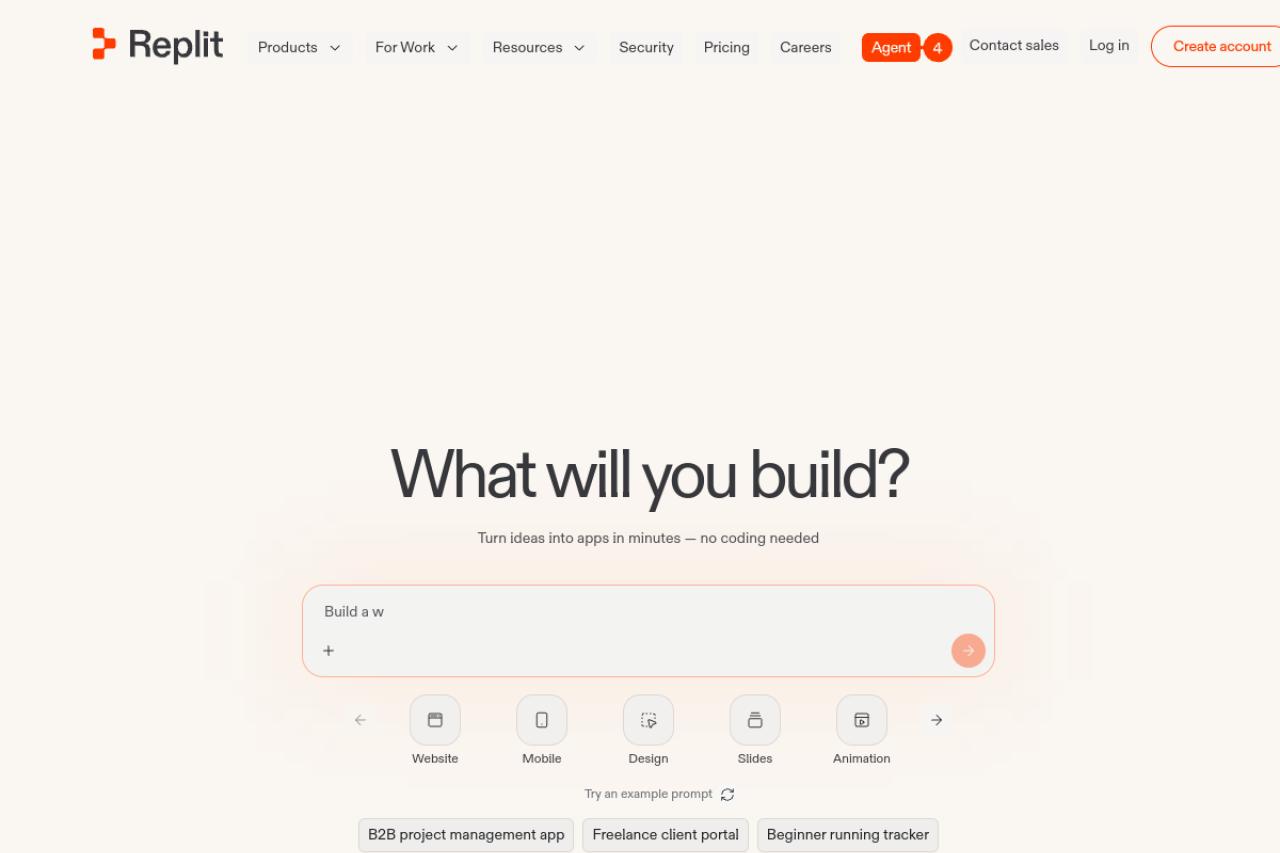
Replit Agent is the closest match to Bolt in spirit: a complete development platform with a cloud workspace, package manager, deployments, databases and collaboration, driven by an agent. Its advantage over Bolt is language coverage, since it is not limited to the JavaScript ecosystem.
- Choose it if: the project is a Python service, a script or an automation rather than a React app.
- Limits: usage credits on top of the subscription reproduce exactly the unpredictability you may be leaving Bolt for.
Cadrant: web apps, SEO sites and mobile on one platform
Cadrant trades Bolt's terminal for scope and predictability. The same plain-language builder produces web applications on React and Supabase, native mobile applications on Expo with guided App Store publishing, and SEO-optimized websites as static pages, on a flat monthly plan rather than tokens.
- Choose it if: the cost model is your main frustration with Bolt, or your roadmap goes beyond a web app.
- Ownership: bring your own Supabase account, and the React repository syncs to GitHub, so a developer can pick it up in Cursor or Claude Code.
- Limits: an opinionated stack. Bolt remains more flexible if you need an unusual dependency or full control of the environment.
When to stay on Bolt
Not alternatives: two different categories
Comparison articles routinely list tools here that are not competing for the same job, and it makes the choice harder rather than easier.
AI IDEs such as Cursor, Windsurf and Claude Code, and web IDEs such as CodeSandbox, are agnostic tools that work inside an existing codebase. They assume you already have an environment, a database and a deploy pipeline, and they produce diffs for someone able to review them. Bolt sits closer to them than to a no-code builder, which is precisely why it can feel too technical, but they are not prompt-to-app products. We covered the distinction in AI app builder vs AI IDE.
Classic no-code platforms such as Bubble, Glide and Softr belong to an earlier generation. You assemble an application in a visual editor instead of generating it from a prompt, and the result stays inside the platform's runtime. Useful for data-first internal tools, but not the same purchase. See no-code and AI versus traditional development.
Common mistakes when picking
- Switching for a lower headline price onto another credit-based plan, and reproducing the same unpredictability.
- Choosing a web-only builder when the roadmap includes an App Store listing.
- Ignoring who owns the database until the project is already in production.
- Comparing a builder against an AI IDE, then concluding that one of them is bad at a job it was never designed for.
- Migrating a working project for a marginal gain. If Bolt ships what you need, staying is a legitimate answer.
Decide on the cost model and the scope, in that order. Those are the two things that made you look for an alternative in the first place, and the two that are hardest to fix later. Freelancers shipping for clients should also read our AI app builder for freelancers guide.